Trial
IPTV free trial: what you get and how to start
An IPTV free trial answers one question: does this work in your home, on your device, at the time you actually watch? Here is how to request one and what to test first.
Quick answer
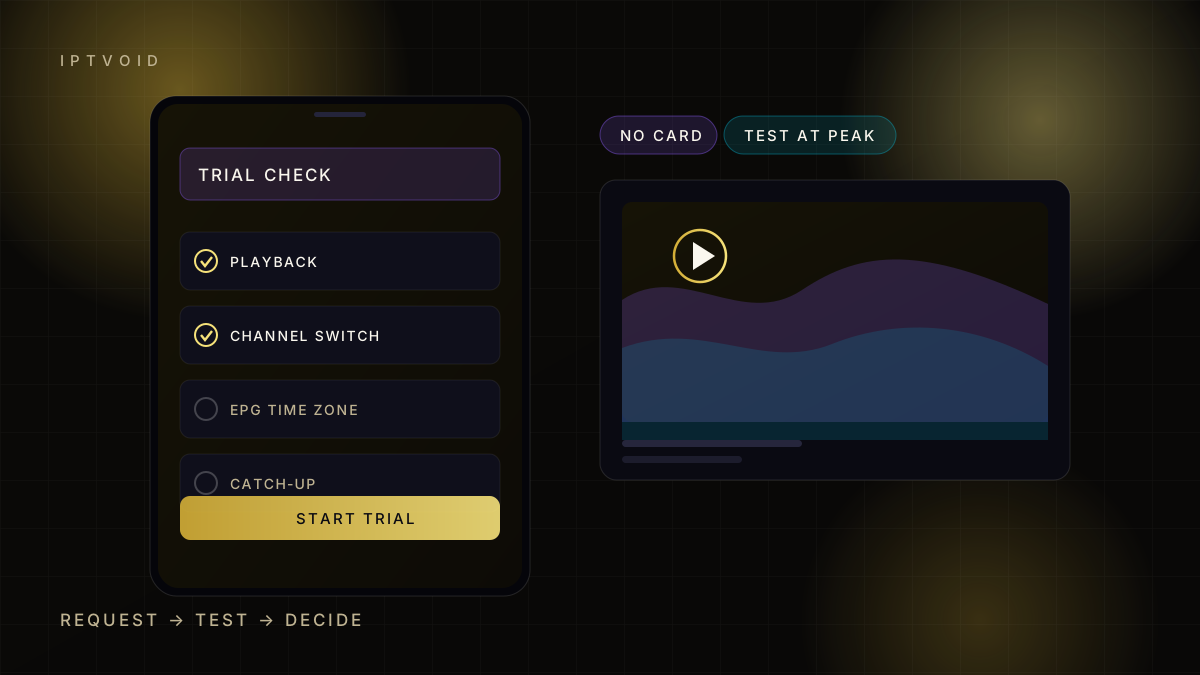
An IPTV free trial gives you temporary access so you can test live channels, the EPG and catch-up before paying. IPTVOID issues trials through WhatsApp with no card details. Test at peak time, check channel switching and confirm the EPG matches your time zone, then choose a plan.
What an IPTV free trial is for
An IPTV free trial is a short period of real access. It is not a sample video and it is not a tour of a website. You get a working login, add it to a player, and watch the same streams a paying customer watches.
That distinction matters. A provider can show a perfect demo and still fail on your street at 8pm. The trial is the only test that includes your router, your device and your neighbours streaming at the same time.
What the trial includes
A trial with IPTVOID gives you:
- A temporary login for one device
- Live channels and the on-demand library
- The EPG, so you can check programme times
- Access to the same support channel as paying customers
Trial length is confirmed in the chat when you request it. Ask for the hours that match your viewing habits, then use them.
How to request one
Three steps, no card details:
- Tap the trial button on this page. It opens WhatsApp with a prepared message.
- Send the message. Support replies with the trial login and the player settings.
- Add the login to your player and start testing.
If you prefer email, write to the address on the contact page. WhatsApp is faster for activation because support can answer setup questions in the same thread.
What to test in the first hour
Do not scroll the channel list for an hour. Test the things that decide whether you keep the service.
Playback at peak time. Start a live channel between 7pm and 10pm local time. Watch for ten minutes. A stream that holds for ten minutes at peak is worth more than a perfect 3pm test.
Channel switching. Move between five channels you would actually watch. Count the seconds. Under three seconds feels normal; ten seconds feels broken.
EPG accuracy. Open the guide. Check that the programme on now matches the time. A guide stuck one hour behind usually means a time-zone setting, not a broken service.
Catch-up. Pick a channel with catch-up and play yesterday's programme. This feature is often incomplete, so verify it rather than assume it.
Audio and subtitles. Check one channel with subtitles and one with a second audio track. Sync errors appear here first.
IPTV free trial limits you should expect
A trial is deliberately limited. Common limits include one device, a short window and no guarantee of every channel in the paid list. That is normal, because trials are sized for testing rather than for weeks of free viewing.
Two limits are worth asking about before you start:
- Device changes. Can you move the trial from a phone to a TV?
- Support during the trial. Will setup questions be answered, or only sales questions?
A provider that ignores setup questions during a trial will usually ignore them after payment too.
Mistakes that waste a trial
Testing only on a phone. A phone on mobile data proves nothing about your TV on Wi-Fi. Test the device you will actually use.
Testing at midday. Peak-hour congestion is the most common cause of buffering. Test when your household is online.
Skipping the player. Most "the service is broken" reports turn out to be a player setting. Install the player before the trial starts, so you spend the window testing rather than troubleshooting.
Not writing down what failed. Note the channel, the time and the error. That detail turns a vague complaint into a fix support can act on.
After the trial
If playback holds, choose the number of devices and the term that fit your household. A single viewer needs one device. A family that watches different channels at the same time needs two or more. Longer terms lower the monthly equivalent, but only commit for as long as you are comfortable.
If playback fails, say so in the chat before paying. A trial that fails at peak time is information, not a setback.
Why there is no card form
The site never asks for card details. Trials and orders run through WhatsApp, and payment happens through PayPal Friends & Family, Revolut or BTC after you decide. Keeping card data off the site removes a whole category of risk for both sides.
Read the pricing page for the full matrix, the FAQ for payment questions, or the trial test checklist for a longer version of the checks above.
Frequently asked questions
Do I need a credit card for the free trial?
No. The trial is requested through WhatsApp and no card details are collected. Payment only happens if you decide to buy a plan afterwards.
How long does an IPTV trial last?
Trial length is confirmed in the chat when you request it, because it depends on availability. Ask for a window that covers your peak viewing hours so the test is realistic.
Can I test on more than one device?
A trial is normally issued for one device so it matches a one-device plan. If you need two or more simultaneous streams, say so before the trial starts and support will explain the options.
What should I do if the trial buffers?
Note the channel, the time and whether the device is on Wi-Fi or cable, then send those details in the same chat. Many cases are local network issues, and a wired test usually identifies them in minutes.
Is the trial the same service as the paid plan?
It uses the same streaming infrastructure for the length of the trial. Some channels or features may be limited, which is why you should confirm anything critical, such as a specific sports feed, before paying.
Next step
Request the trial, then test at 8pm
The useful test happens when your street is busy, not when the network is quiet.