Players
IPTV player setup guides
The player app is separate from the subscription. These guides cover the apps customers ask about most, including what runs on which device.
In short: IPTV player setup
An IPTV player is an app that displays a playlist or login. TiviMate runs on Android TV and Google TV. IPTV Smarters Pro runs on Android, iOS, Windows and macOS. Neither includes channels. IPTVOID supplies the login; these guides explain how to load it. IPTV player setup starts with the right app for your device, then a login, an EPG and a favourites list. These guides cover IPTV player setup for TiviMate, IPTV Smarters Pro and the devices most households already own.
| Player | Platforms | Free version | Playlist formats |
|---|---|---|---|
| TiviMate | Android TV, Google TV, Amazon Fire TV, NVIDIA Shield | Yes | M3U / M3U8 URL, M3U file, Xtream Codes API, Stalker portal |
| IPTV Smarters Pro | Android, Android TV, Amazon Fire TV, iOS, iPadOS, tvOS, Windows, macOS | Yes | Xtream Codes API, M3U / M3U8 URL, M3U file |
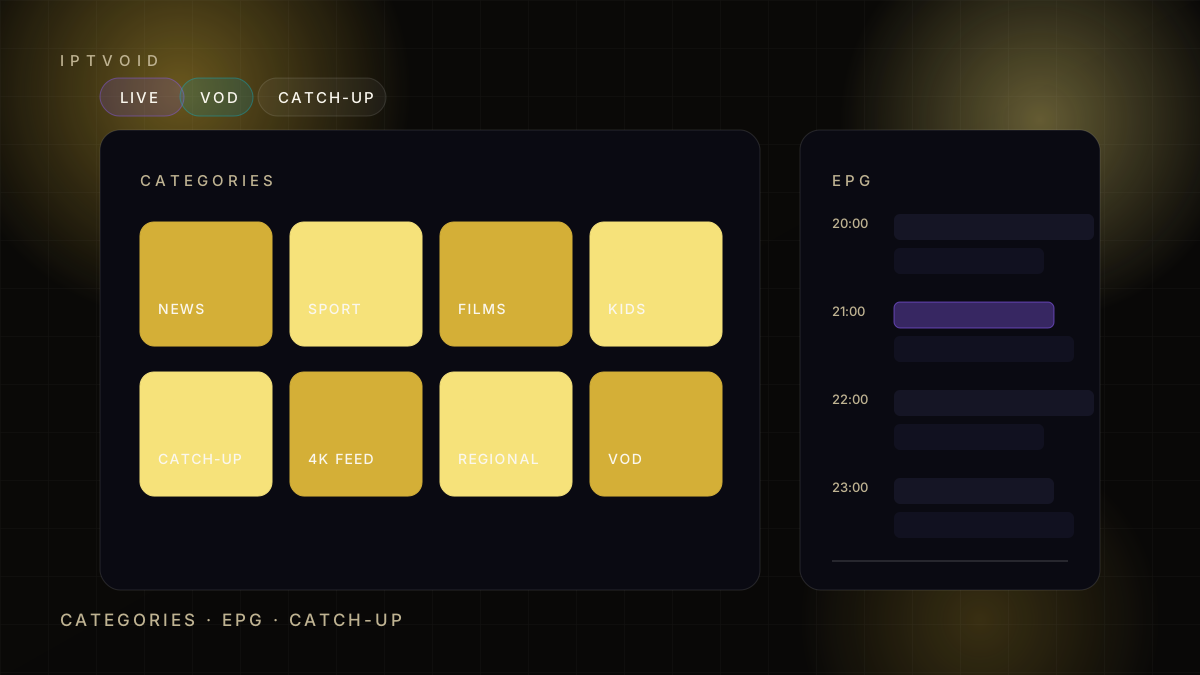
Setup
Player and platform walkthroughs
Pick your platform, install a player, then follow the login steps.
How to set up IPTV on Android TV and Google TV
Step-by-step IPTV setup on Android TV and Google TV: install a player, add your login, load the EPG, set favourites and fix common errors.
How to set up IPTV on iPhone, iPad and Apple TV
Set up IPTV on iPhone, iPad and Apple TV: choose a player, add an Xtream or M3U login, load the guide and fix the most common iOS problems.
How to set up IPTV on Windows and Mac
Use IPTV on Windows and Mac: desktop players, VLC for M3U playlists, firewall checks and the settings that prevent stutter.
Next step
Ready to test it on your own device?
Start with a free trial, test peak-time playback, then choose 1, 2, 3 or 4 devices. We handle activation on WhatsApp.