Setup
IPTV setup guides
Install the player, enter the login, load the guide, then test at peak time. Pick your platform below.
In short: IPTV setup guides
These guides cover the full setup path for the main IPTV platforms: install a compatible player, add the Xtream Codes or M3U login, load the EPG and diagnose buffering without changing ten settings at once. These IPTV setup guides cover the devices people actually own: Android TV, iPhone, Apple TV, Windows and Mac. Each IPTV setup guide is short, ordered, and written to be followed once.
How to set up IPTV on Android TV and Google TV
Step-by-step IPTV setup on Android TV and Google TV: install a player, add your login, load the EPG, set favourites and fix common errors.
How to set up IPTV on iPhone, iPad and Apple TV
Set up IPTV on iPhone, iPad and Apple TV: choose a player, add an Xtream or M3U login, load the guide and fix the most common iOS problems.
How to set up IPTV on Windows and Mac
Use IPTV on Windows and Mac: desktop players, VLC for M3U playlists, firewall checks and the settings that prevent stutter.
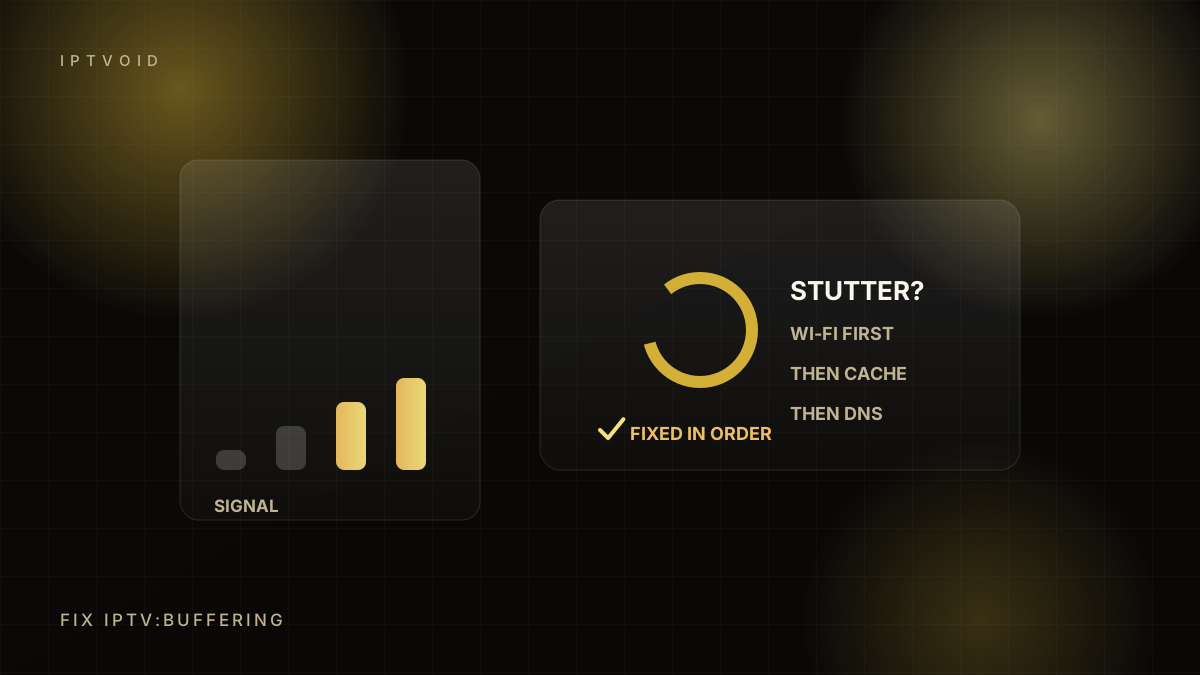
How to fix IPTV buffering: 12 checks in order
A systematic IPTV buffering fix: speed, packet loss, Wi-Fi, Ethernet, device load, player cache, stream quality, DNS and provider checks.
IPTV network readiness: test your connection
How to test whether your home network is ready for IPTV: speed, jitter, packet loss, Wi-Fi coverage, Ethernet, mesh and peak-time behaviour.
Next step
Ready to test it on your own device?
Start with a free trial, test peak-time playback, then choose 1, 2, 3 or 4 devices. We handle activation on WhatsApp.