Devices
IPTV box, stick or smart TV: what you actually need
An IPTV box is optional. Most people already own a device that decodes the stream; what they need is a player that handles the guide and a stable connection to the router.
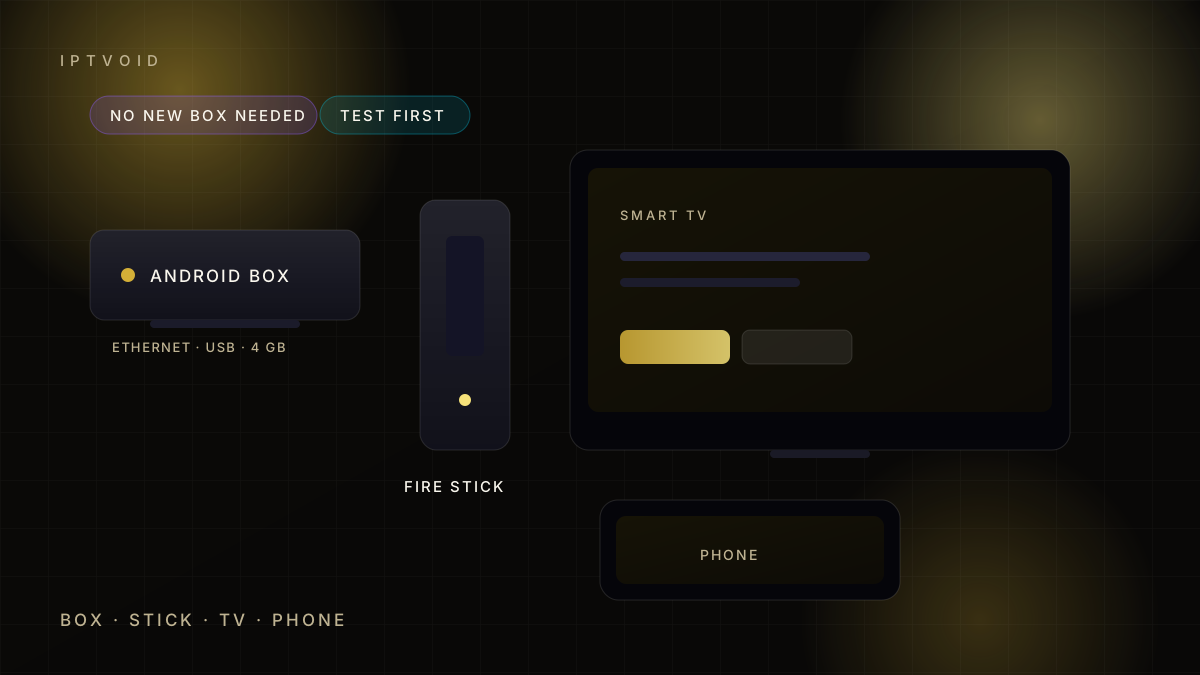
Quick answer
An IPTV box is optional. A Fire TV Stick, Android TV device, smart TV, phone or computer can run a compatible player. A box adds Ethernet, USB ports and a better remote, which helps on weak Wi-Fi. Buy hardware only if a trial shows a specific problem.
The short answer
You need a device, a player app and a login. An IPTV box is one way to provide the first two, not a requirement.
A modern smart TV, a Fire TV Stick, an Android TV device, a phone or a computer can all run a compatible player. If you already own one, start there.
What a dedicated box adds
A box earns its place when one of these matters, and none of them is mandatory for a first IPTV box purchase:
- Ethernet, for a stable wired connection
- USB ports, for storage or a keyboard
- A better remote, with numbers and dedicated buttons
- More memory, for large channel lists and guides
- Always-on operation, without a phone or computer
None of that improves the stream itself. It improves the experience around it.
IPTV box, stick, TV or phone
| Device | Best for | Watch out for |
|---|---|---|
| Android TV box | Wired living rooms, large lists | Cheap boxes with little memory |
| Fire TV Stick | Low cost, easy setup | Weak Wi-Fi on older models |
| Smart TV app | Fewest cables | App availability varies by brand |
| Phone or tablet | Second screen, travel | Battery and mobile data limits |
| Computer | Testing and troubleshooting | Not a comfortable sofa experience |
Smart TV apps and their limits
Samsung and LG stores carry a small number of IPTV players. Availability changes by region and by model year, so check the store before you assume an app exists.
If the store has no suitable player, two options remain: use an external stick or box, or cast from a phone. Casting works for occasional viewing, but it ties up the phone and adds a point of failure.
Player compatibility
Players accept Xtream Codes logins, M3U links, or both. Most modern players accept both. Older or minimal apps may only take an M3U link, which is harder to update when a provider changes servers.
Pick a player with a proper EPG, favourites and a search that works with a remote. The player guides compare the common options.
Memory, storage and large lists
Large channel lists consume memory. A device with 1 GB of RAM will struggle with a 20,000-channel list and a seven-day guide, even if the stream itself is fine.
If the interface feels slow, the device is usually the bottleneck, not the provider. A stick with 2 GB of RAM or a box with 4 GB handles large lists comfortably.
Wi-Fi, Ethernet and powerline
Wi-Fi is the most common cause of buffering on a TV. Walls, distance and interference all reduce throughput, and a speed test on a phone in the same room can look fine while the TV struggles.
Try these in order:
- Move the router or the device.
- Switch the TV to the 5 GHz band.
- Use an Ethernet cable if the router is close.
- Use powerline adapters if it is not.
A cheap Ethernet cable fixes more cases than any settings change.
What not to buy
Avoid "IPTV boxes" sold with a subscription bundled in. You cannot verify what is preloaded, the hardware is often old, and support disappears with the seller. A separate IPTV box from a normal retailer keeps the two decisions apart.
Buy hardware from a normal retailer, then add a subscription you chose yourself. That keeps the two decisions separate and both of them reversible.
Do you need 4K hardware?
Only if you watch 4K content on a 4K screen with enough bandwidth. A 4K stream needs a capable decoder, an HDCP-compliant chain and roughly 15-25 Mbps.
Most households are better served by a stable HD picture than by a 4K label that stutters. The 4K guide explains the chain in detail.
Ready to test? Request a free trial on the device you own, then compare plans when playback holds.
Frequently asked questions
Do I need an IP TV box to use IPTV?
No. A Fire TV Stick, Android TV device, smart TV, phone or computer can run a compatible player. A box adds ports, memory and a better remote, but it does not change the subscription.
Which is better, a Fire TV Stick or an Android box?
A stick is cheaper and easier to hide. A box usually offers Ethernet, more memory and USB ports. Choose the box if Wi-Fi is weak or the channel list is large.
Can I use my Samsung or LG smart TV?
Sometimes. Both stores carry a limited number of IPTV players, and availability varies by region and model year. Check the store first, and use a stick or box if no suitable player exists.
How much RAM does an IPTV device need?
Two gigabytes is comfortable for most lists and guides. One gigabyte can work with a smaller list but feels slow with large catalogues and seven-day EPGs.
Should I buy a box with a subscription included?
We do not recommend it. Preloaded boxes are hard to verify, the hardware is often old, and support usually disappears with the seller. Buy hardware separately and choose the subscription yourself.
Next step
Try your current device first
Run a trial before buying hardware. Most living rooms already have everything they need.