Buying guide
Choosing an IPTV provider without getting burned
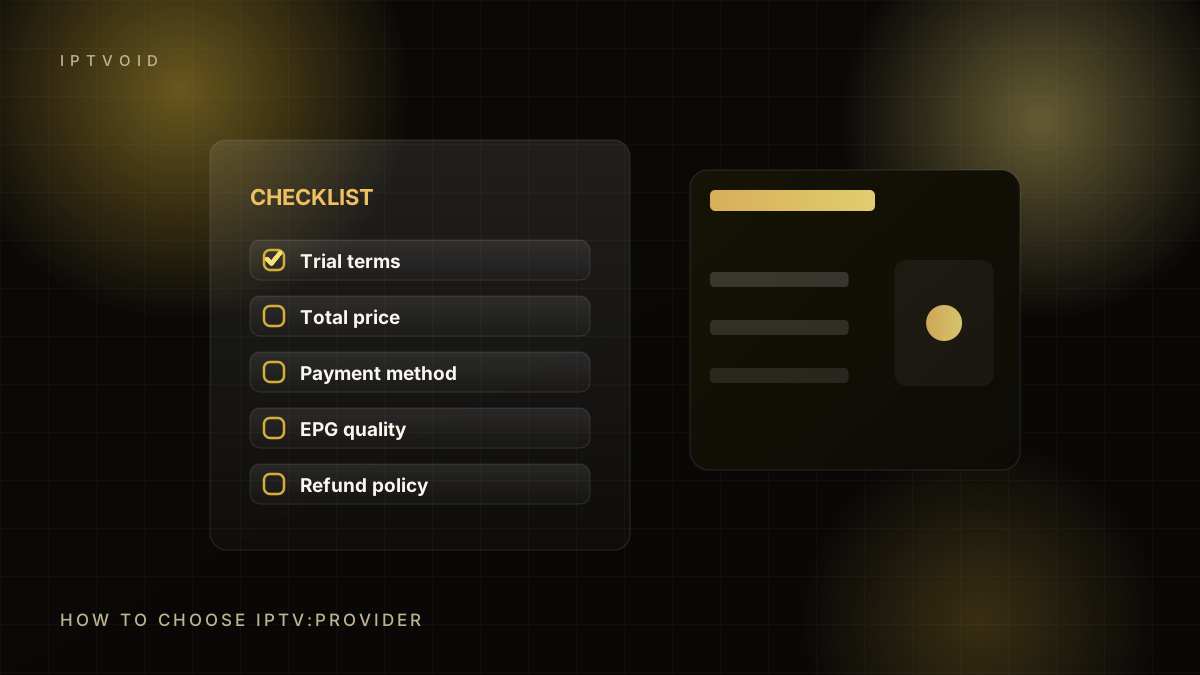
Choosing an IPTV provider is easier with a fixed checklist: trial terms, total price, payment method, support replies, EPG quality and refund policy.
In short: choosing an IPTV provider
Choose an IPTV provider by testing first, not by reading channel counts. Run a trial at peak time, test the channels you actually watch, check EPG and catch-up, ask a setup question, confirm the payment recipient in writing, and prefer a provider with a written refund policy. Avoid anyone who demands crypto upfront with no trial. Choosing an IPTV provider is mostly a test of patience: trial terms, total price, payment method, support replies and EPG quality. This guide gives you a fixed IPTV provider checklist so the decision rests on evidence, not on a sales page.
Start with a trial, not a sales page
Every serious IPTV provider can give you a short trial. If a seller refuses a trial but promises a "premium" service, that is the first red flag. A trial costs the provider very little and tells you more than any testimonial.
Ask for the trial in writing. Confirm how long it lasts, how many devices it covers and whether it includes the channels you care about. Then test it at the time you actually watch.
Test at peak time
A stream that works at 10am on a Tuesday proves almost nothing. Test between 19:00 and 23:00 local time, and during a live event if that is why you want IPTV. Peak-time performance is the difference between a service and a demo.
While testing, check:
- Channel switching speed
- How long a stream takes to stabilise
- Whether HD and 4K feeds hold without buffering
- Whether the programme guide matches the channel
- Whether catch-up works on the channels that offer it
- Whether audio stays in sync
Write down what failed. A single glitch is normal; a pattern is a decision.
Check the device and player situation
Ask which player the provider recommends for your exact device. "It works on everything" is not an answer. A Samsung TV, a Fire TV Stick and an iPhone need different apps and different setup steps.
A good provider will:
- Name a player that is available for your device.
- Explain how to install it from an official source.
- Help you enter the login correctly.
- Explain how the EPG is loaded.
If setup support is a PDF from 2021 and nothing else, expect to solve problems alone.
Test support before you pay
Send a real setup question during the trial. Not "hello", but something specific: "The EPG is empty on my Fire TV Stick, which field do I edit?" Measure three things: how long the reply takes, whether the answer is specific, and whether the person understands the app you are using.
Support quality is the main difference between providers that look identical on a landing page. Prices are public; support is not.
Understand what you are paying for
An IPTV subscription buys access credentials and, usually, setup help. It does not buy ownership of channels, and it does not guarantee that a specific match, film or channel will be available in your country. Availability changes.
Be sceptical of:
- A guarantee that every channel and every sport will always work
- Claims of "100% uptime" with no status page
- A channel count in the tens of thousands with no way to search it
- Reviews that all appear on the same day with the same wording
Payment risk checklist
Payment is where most buyers get hurt. Before sending money:
- Confirm the exact recipient name, email or wallet address in the official chat.
- Confirm the amount and the currency.
- Prefer a method with some recourse for a first purchase.
- Never send crypto to an address from a screenshot or a third-party page.
- Keep the payment confirmation.
- Be cautious if the recipient details change at the last minute.
For PayPal, Friends & Family has no buyer protection. That is why confirming the recipient matters. For BTC, a transfer is irreversible. For Revolut, a transfer to a wrong name is difficult to recover.
Read the refund policy before you need it
A refund policy is only useful if it is specific. Look for:
- What qualifies for a refund
- The time window for requesting one
- What is excluded
- How the refund is paid
- What happens if activation fails
"We guarantee satisfaction" is not a policy. "Activation failures are refunded within 72 hours if support cannot resolve them" is.
Compare the things that matter
| Factor | What good looks like | What to avoid |
|---|---|---|
| Trial | 24–72 hours, full device support | No trial, or trial requires a long-term payment |
| Support | Specific answers in a real chat | Copy-paste replies, no device knowledge |
| Player | Named app for your device | "Works on everything" |
| EPG | Loads and matches channels | Empty guide, wrong timezone |
| Payment | Confirmed recipient in writing | Address changes at the last minute |
| Refund | Written, specific terms | Vague promises |
| Device limit | Clear simultaneous connections | "Unlimited devices" with no explanation |
Red flags worth walking away from
- Pressure to pay within minutes
- A price that is dramatically below every other quote
- No trial and no refund terms
- Requests for remote access to your computer or phone
- Requests for card details in a chat
- A WhatsApp account that changes numbers mid-conversation
- Reviews hosted only on the seller's own site
A five-step decision process
- Shortlist two or three providers.
- Request trials from each.
- Test at peak time on your own device.
- Ask one technical question and time the reply.
- Check the refund policy and confirm payment details in writing.
Only then choose. The whole process takes a few days and costs nothing except attention.
Where IPTVOID fits
IPTVOID offers a free trial, names supported players for each device, activates over WhatsApp and publishes fixed prices for 1 to 4 devices. It accepts PayPal, Revolut and BTC, and publishes a refund policy. It does not claim to own channels or guarantee specific content. If that matches how you want to buy, start with the trial and test it properly.
Frequently asked questions
What is the most important thing to test in an IPTV trial?
Peak-time playback on the device you will actually use. Test between 19:00 and 23:00, switch channels, check the EPG and try a live event. A trial that only works off-peak does not predict evening performance.
Is PayPal Friends & Family safe for buying IPTV?
It offers no buyer protection, so safety depends on confirming the recipient first. Confirm the exact PayPal email inside the official chat, check the name, and keep the confirmation. Never send to an address from a screenshot or a third-party page.
How many IPTV providers should I trial?
Two or three is enough. More trials mostly repeat the same tests. Compare peak-time stability, support response and the channels you actually watch, then choose the one that performed best on your device.
Keep reading
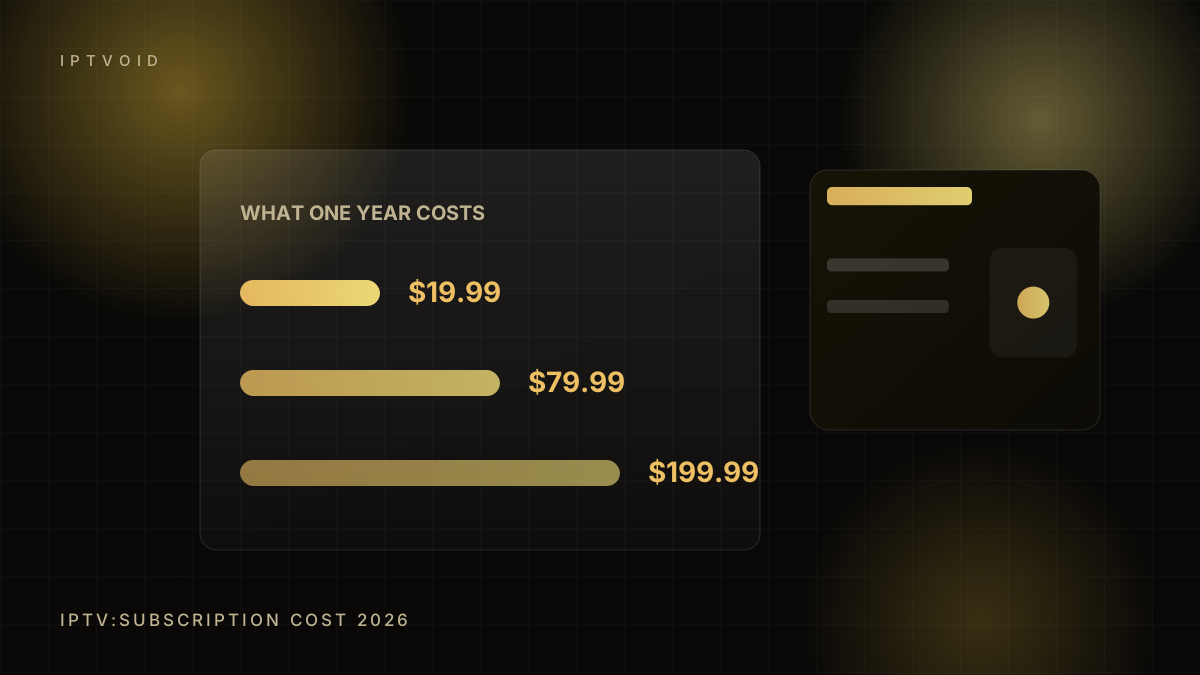
What an IPTV subscription actually costs in 2026
A clear breakdown of IPTV subscription pricing in 2026: monthly vs long-term plans, device counts, hidden costs and how to compare quotes.
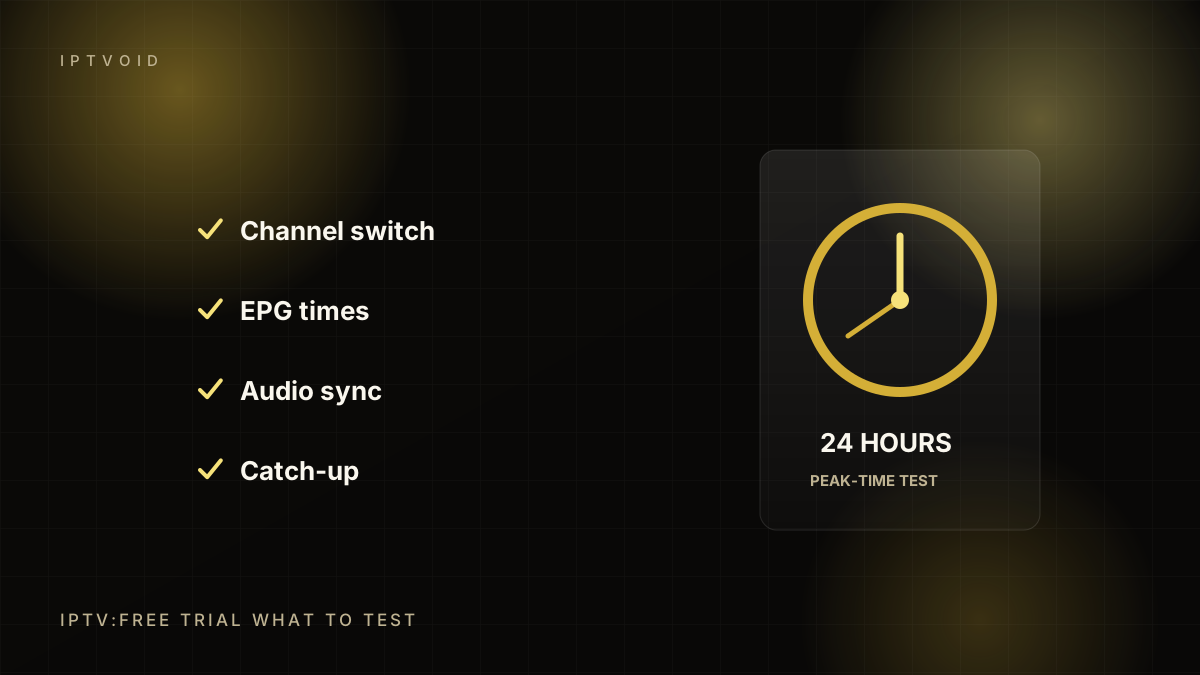
IPTV free trial: what to test in 24 hours
How to use an IPTV free trial properly: peak-time tests, channel zapping, EPG, catch-up, 4K, multi-device checks and the questions to ask support.
Is IPTV legal? A plain-English guide
Is IPTV legal in 2026? The difference between the technology and a service, how licensing works, country differences and the red flags of an unlicensed provider.
Next step
Put the advice into practice
Start with a free trial, test at peak time, then choose the device count and term that fit your household.