Channels
IPTV channels: how lists, guides and catch-up work
An IPTV channels list is a marketing number until it has a working guide. Sensible categories and catch-up you can actually use are what make a subscription comfortable.
Quick answer
An IPTV channel list is grouped into live channels, on-demand films and series, and catch-up. The count matters less than whether the EPG is accurate, whether categories are maintained and whether catch-up works on the channels you watch. Availability of a specific channel varies by provider and region.
What is inside a channel list
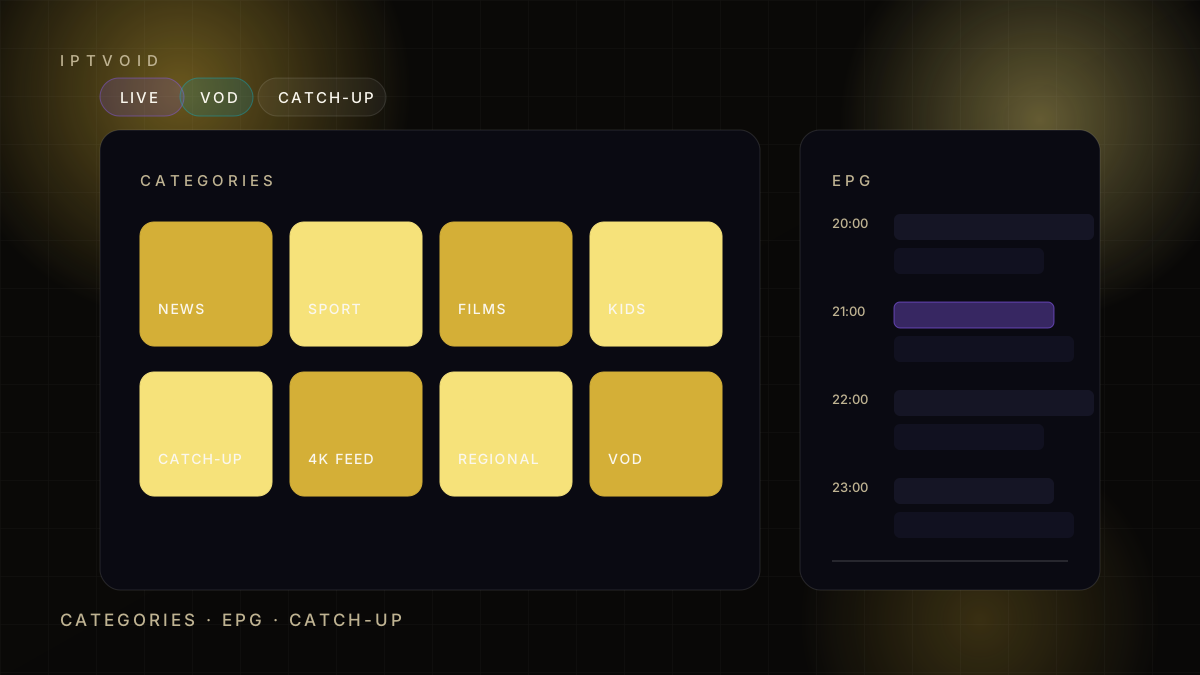
An IPTV channel list is a catalogue of streams. Most providers split it into four parts:
- Live channels, grouped by country and genre
- VOD, a library of films and series played on demand
- Catch-up, recent programmes from selected channels
- Regional feeds, local variants of national channels
The list arrives as an Xtream Codes login or an M3U playlist. Your player reads it and builds the interface you see, so a clean IPTV channels menu depends on both the provider and the app.
IPTV channels: why channel count is a weak measure
Twenty thousand channels sounds impressive until you try to find one. Large lists are easy to assemble from public sources and hard to maintain, so the number often grows while quality falls. Treat an IPTV channels count as a headline, not a specification.
A more useful set of questions:
- How many channels do you actually watch?
- Do those channels have a working guide?
- Do they stay stable at peak time?
- Is catch-up available on them?
Four honest answers beat one large number.
The EPG is the real product
The electronic programme guide turns a stream into television. Without it you are choosing between channel numbers and guessing what is on. For IPTV channels, the guide matters more than the logo wall on the provider's website.
A good guide has three properties. It matches your time zone, it covers the next few days, and it updates without manual intervention. When one of those fails, the usual causes are a wrong time-zone setting, a stale guide URL or a player that needs a refresh.
Check the guide on day one. If a provider cannot supply a working EPG for the channels it sells, the rest of the list is decoration.
Catch-up: verify, do not assume
Catch-up lets you play a programme that already aired. It is the feature most often promised and least often complete, because it depends on storage, rights and channel-by-channel setup.
Test it like this: pick a channel you watch, find yesterday's evening programme, and press play. If it works, try a second channel. If both work, catch-up is real. If neither works, ask before paying for a long term.
Categories and favourites
A maintained list groups channels sensibly: news, sport, entertainment, films, kids, music, and regional groups. An unmaintained list puts everything in one folder and duplicates half of it.
Spend ten minutes building favourites in your player. It is the single biggest usability improvement available, and it costs nothing.
Regional feeds and 4K variants
Two channels with the same name can be different feeds. A regional sports network may carry one area's games and not another's. A 4K variant may exist for a main channel but not for a smaller one.
Ask about the exact channel and the exact variant before paying. "We have it" is not the same as "we have the version you need".
How IPTVOID handles lists
IPTVOID supplies the login and the player settings, and support helps with the guide and favourites during activation. The service does not publish a channel count, because a count would be a claim we cannot verify for every region.
What it does publish is the thing that matters commercially: the price for each device count and term on the pricing page, a free trial before payment, and a written refund policy.
A short checklist before you buy
- Confirm the three channels you watch most.
- Ask whether the guide covers them.
- Test catch-up on one of them.
- Check that the 4K variant exists if you need it.
- Test all of it at peak time.
That is a fifteen-minute process, and it prevents most of the disappointment that follows a cheap annual plan.
For the technical side, read how IPTV works or pick a player from the player guides. If a specific channel matters for sport, the sports page explains how to test it.
Frequently asked questions
How many channels does an IPTV subscription include?
Counts vary by provider and change often, which is why we do not publish one. What matters is whether the channels you actually watch are stable, have a working guide and support catch-up.
What is an EPG and why does it matter?
An EPG is the electronic programme guide: the schedule that shows what is on now and next. Without an accurate guide, a channel list is just a set of stream numbers.
Does catch-up work on every channel?
No. Catch-up depends on the channel and the provider, and it is often limited to main channels. Test it on two channels you watch before committing to a long plan.
Can I organise channels into favourites?
Yes, in most players. Building a favourites list takes a few minutes and makes a large catalogue usable. Support can help with the first setup.
Why are there several versions of the same channel?
Providers often carry regional feeds and quality variants such as HD and 4K. Ask for the exact variant you need, because availability differs between them.
Next step
Check your three channels first
A trial lets you confirm the guide, catch-up and picture quality on the channels you actually watch.