Sports
IPTV sports: how to test a live feed
IPTV sports is the hardest test for any service: a fixed start time, a large audience and no second chance if the stream stalls.
Quick answer
Sports on IPTV depend on the provider feed, your connection and your device. Test during a live event at peak time, confirm the exact channel and variant, and check how many simultaneous streams your plan allows if two matches overlap. No provider can guarantee every fixture.
Why sport exposes a weak service
A film can buffer for five seconds and nobody notices. A penalty cannot. IPTV sports is live, it starts at a fixed time, and the audience arrives at once.
That combination tests three things at the same time: the provider's capacity, your local connection and your device's ability to decode a high-bitrate stream without stalling.
IPTV sports: test during the event, not before it
The only useful test happens while the match is on. A stream that plays perfectly at 4pm may collapse at kick-off, and that is true for every IPTV sports package regardless of price.
Run this sequence:
- Start the channel ten minutes before kick-off.
- Watch the first ten minutes without switching.
- Change to a second channel and back.
- Note the recovery time.
Under three seconds to recover feels normal. A stall of thirty seconds means the stream is fragile, and a longer plan will not fix it.
Simultaneous matches and device limits
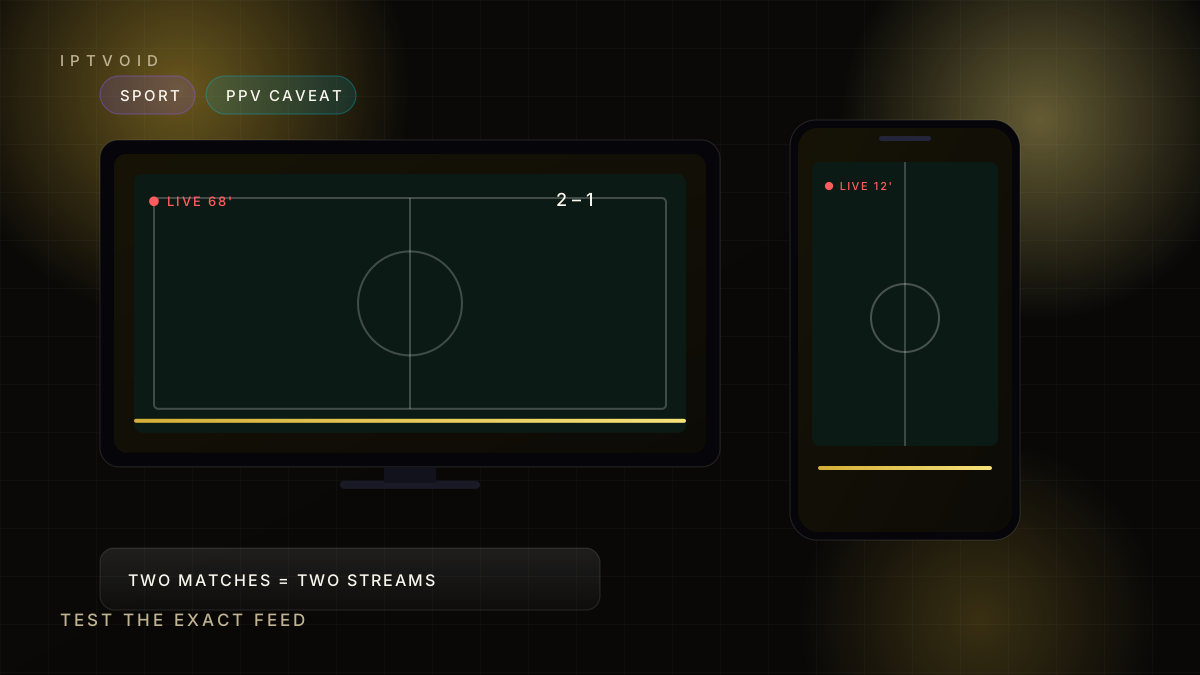
Overlapping fixtures are where device limits become real. A one-device plan allows one stream. If two people want different matches at the same time, you need two streams, and most IPTV sports complaints start exactly here.
Check the definition before you buy. Some providers count installations, others count simultaneous views. Only the second number matters on a Saturday afternoon.
PPV and event channels
Pay-per-view events add a second layer of uncertainty. Availability depends on the provider's feeds, the region and the event itself, and it can change between events.
Treat any PPV claim as conditional. Ask which channel carries the event, test it during an undercard, and keep a backup plan. A provider that promises every event with no caveat is overselling.
Picture quality during fast motion
Sport is the hardest content for compression. Fast camera pans and crowd noise expose low bitrates, and a channel labelled 4K can still look soft if the source is upscaled.
What to look for:
- Smooth motion on camera pans
- Sharp crowd detail rather than smeared blocks
- Audio that stays in sync after a cut
- A stable frame rate rather than micro-stutter
If those four hold during a live match, the feed is genuinely good.
Audio, commentary and languages
Sports feeds often carry multiple audio tracks. Check that the commentary you want is available and that switching tracks does not desynchronise the video.
For international events, the same match may exist on several feeds with different commentary. Ask which feed carries your language before an important fixture.
Internet and Wi-Fi for live sport
Live sport benefits from a wired connection more than any other content. A short Ethernet cable removes interference, and a 5 GHz Wi-Fi band is the next best option.
| Situation | Recommendation |
|---|---|
| TV near router | Ethernet cable |
| TV across the room | 5 GHz Wi-Fi, line of sight |
| Several streams at once | Wired TV, Wi-Fi for phones |
| Mobile viewing | Wi-Fi, not mobile data |
What we will not claim
IPTVOID does not claim rights to any competition, league or event. We cannot guarantee that a specific fixture is available in your region, and we will not pretend otherwise to close a sale.
What we can do is give you a trial, help you test the exact channel, and publish a clear price. If a fixture is essential to you, confirm it before paying for a long term.
Start with the free trial, review the plans, and read the channels guide if you want to understand feeds and variants. For two simultaneous matches, choose a two-device plan or higher.
Frequently asked questions
Can I watch live sport on IPTV?
Sport is one of the most common uses, but availability depends on the provider feed and your region. Test the exact channel during a live event before committing to a long plan.
Do I need two devices to watch two matches at once?
You need two simultaneous streams. That means a two-device plan or higher. Two installations on one plan will not let two people watch different channels at the same time.
Is pay-per-view included?
PPV availability varies by event and provider and cannot be guaranteed. Ask which channel carries a specific event and test it before relying on it.
Why does sport buffer more than films?
Live sport is high-bitrate, fast-moving and watched by many people at the same moment. That combination stresses the provider network and your local connection more than on-demand video.
Can I get 4K sport?
Only where the source feed is produced in 4K and your device and connection support it. Many sports channels are HD only, and a 4K label does not always mean a native 4K source.
Next step
Test the exact channel
Ask which feed carries your fixture, then watch ten minutes of it before you pay.