Guide
IPTV, explained without the jargon
IPTV is television delivered over the internet instead of a satellite dish or a coaxial cable. This page explains how it works, what a subscription includes and how to test one before you pay.
Quick answer
IPTV stands for internet protocol television. A provider streams live channels and on-demand video to a player app over your broadband connection. You need a device, an app, a login and about 15 Mbps for 4K. IPTVOID sells prepaid subscriptions for 1-4 devices from $19.99, activated over WhatsApp, with a free trial first.
What IPTV actually means
IPTV stands for internet protocol television. The name describes the delivery method, not a brand or a channel package. Instead of a dish or a cable feed, video arrives as data over the same connection that loads a web page.
That difference explains most of the questions buyers ask. There is no installer, no box rental and no twelve-month contract. You sign in to a player app and the channel list appears.
It also explains the limits. Picture quality depends on your connection, your Wi-Fi and the provider's servers. A slow link at 8pm will look worse than the same channel at noon.
How a subscription reaches your screen
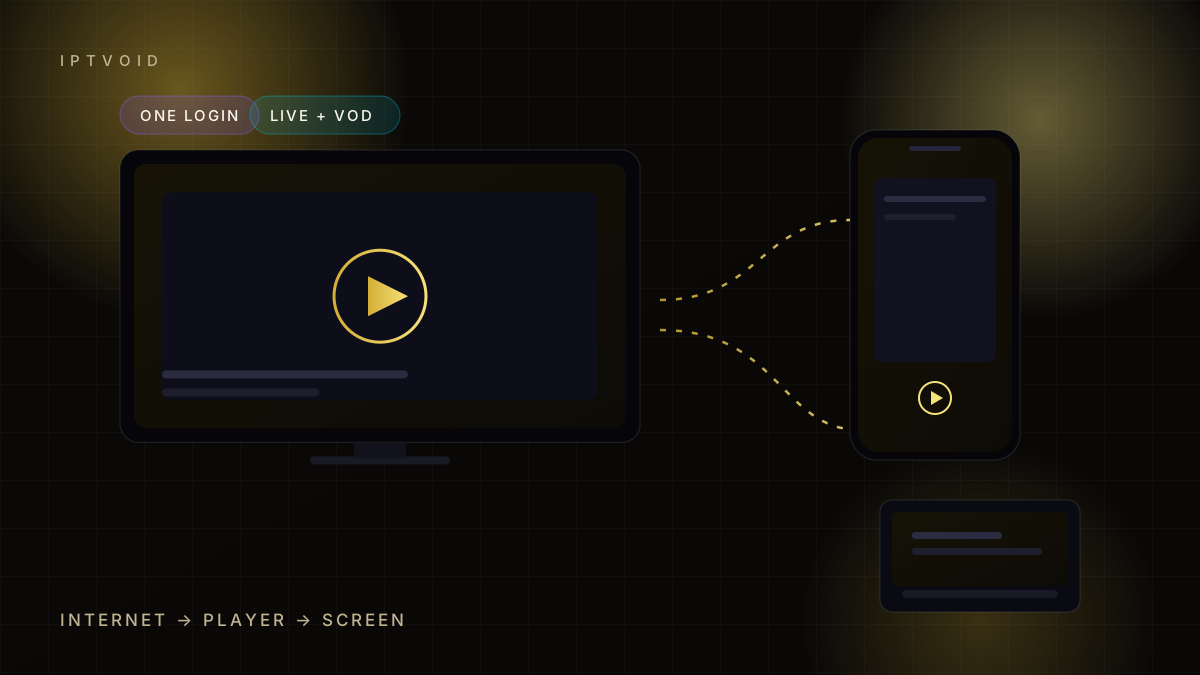
The path is short:
- Your provider runs servers that receive and restream channels.
- You add the login to a player app on your device.
- The player requests the stream and buffers a few seconds.
- The picture appears on your TV, phone or laptop.
Most providers use one of two login types. Xtream Codes sends a server address, a username and a password. An M3U login is a single long link to a playlist. Both work in players such as TiviMate and IPTV Smarters.
A subscription is not an app. The app is a player, like a browser. The subscription is the account the player reads. That is why changing players does not change your plan.
What a subscription usually includes
A normal plan carries four things:
- Live channels, grouped by country and genre
- On-demand films and series, often called VOD
- An EPG, the on-screen guide with programme times
- Catch-up, where a channel keeps recent programmes for a few days
Not every provider supplies all four at the same depth. Catch-up is the feature most often promised and least often complete, so test it during a trial.
What you need at home
You need four things, and three of them you probably own:
- A device: smart TV, Fire TV Stick, Android box, phone, tablet or computer
- A player app that accepts Xtream Codes or an M3U link
- A broadband connection with a stable 15-25 Mbps for 4K, or 8-10 Mbps for HD
- A login from your provider
A wired connection beats Wi-Fi for a TV that sits far from the router. If wiring is impossible, a 5 GHz Wi-Fi band is the next best option.
What it costs and how billing works
Pricing is usually quoted per device and per term. A one-device monthly plan is the cheapest entry point. Longer terms lower the monthly equivalent, because the provider carries less admin work per month.
IPTVOID publishes all sixteen combinations on one page, from $19.99 for one device and one month to $199.99 for four devices and twelve months. Payment is prepaid, there is no auto-renewal, and the amount confirmed in WhatsApp is the amount that applies. You can see the full matrix on the pricing page.
Beware of two pricing tricks. Some providers advertise a monthly figure that only applies to a twelve-month upfront payment. Others add a "setup fee" after you commit. Ask for the total, not the monthly headline.
Test before you commit
A trial is the only honest way to judge a service in your own home. Speed tests and screenshots cannot show how a provider behaves at peak time on your street.
Test four things:
- Live playback during a busy evening
- Channel switching speed
- EPG accuracy in your time zone
- Catch-up on a channel you actually watch
If those four hold up, the rest is detail. If one fails, ask support before paying. Our free trial page explains how to request one and what to check first.
Is IPTV legal?
The technology is legal. The content licence is the part that varies. A provider must have the right to redistribute the channels it carries, and that right differs by country and by channel.
This matters to buyers because the risk sits with the service, not with the player app. Read is IPTV legal in the USA for a plain-English breakdown of how the rules work, and check the terms you sign.
Common myths, corrected
"IPTV needs a special box." No. A smart TV, a stick or a phone can run a player. A box adds ports and sometimes a better remote, not access.
"More channels means a better service." No. A list of 20,000 channels is easy to assemble and hard to maintain. Stability on the twenty channels you watch matters more.
"4K is automatic." No. The source feed, your device and your connection all have to support it. Our 4K guide explains where the chain breaks.
Where to go next
If you want the short version: pick a device, run a trial at peak time, then choose the device count and term that match your household. The FAQ covers payments and activation, and pricing lists every combination with no hidden fees.
Frequently asked questions
Do I need a smart TV for IPTV?
No. Any device that runs a compatible player works, including a Fire TV Stick, an Android box, a phone, a tablet or a computer. A smart TV is convenient because the app sits on the TV itself.
How fast does my internet need to be?
Around 8-10 Mbps is enough for one HD stream. For 4K, plan on 15-25 Mbps per stream and leave headroom for the rest of the household. Stability matters more than the headline speed.
Can I use one subscription on several televisions?
Only within the device limit. A one-device plan allows one simultaneous stream. If two people watch different channels at the same time, choose a two-, three- or four-device plan.
What is the difference between Xtream Codes and M3U?
Xtream Codes uses a server address, username and password, and usually loads the EPG automatically. An M3U login is one long playlist link. Both work in common players; Xtream Codes is easier to manage.
Does IPTV work without a contract?
With IPTVOID, yes. Plans are prepaid for 1, 3, 6 or 12 months and do not renew automatically. You decide whether to continue when the term ends.
Next step
See the plans, then test one
Start with a trial on your own device. If playback holds at peak time, choose a term with confidence.